

Displays & FPC Extension
Each of the 72 keys has a 0.42” OLED display connected to the PCB via a short FPC (flex printed circuit) cable. The displays ship with cables that are too short to reach the PCB sockets, so you need to extend them — or use displays from the kit which already have the correct cable length.
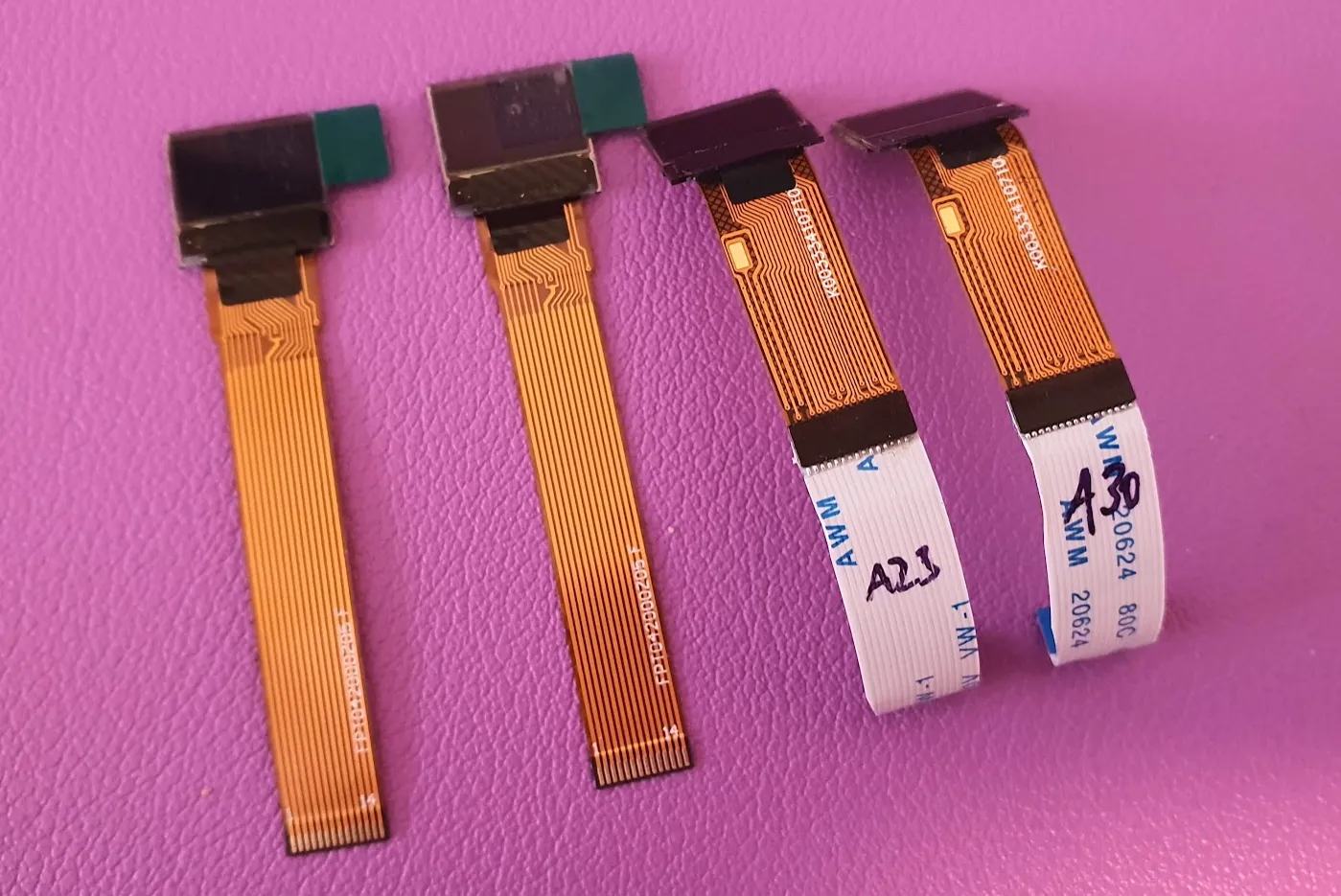
Extended modules ready to fit — the glass is small, most of the length is the flex tail that has to reach the socket:
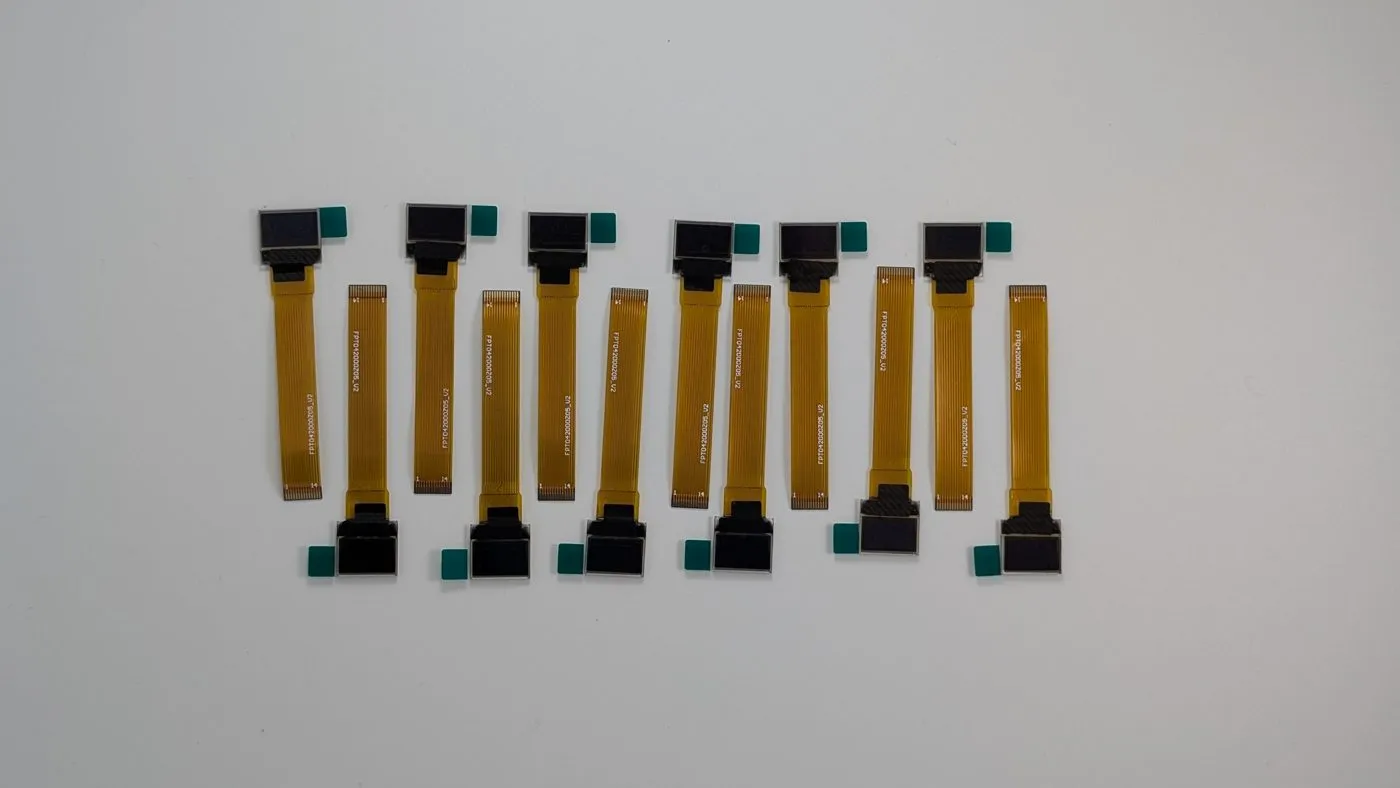
The easy way: kit displays
Section titled “The easy way: kit displays”Displays from the official kit have the matching cable length and pin count. Skip the FPC extension section below if you are using kit parts.
Sourcing displays yourself
Section titled “Sourcing displays yourself”The displays are 0.42” OLED, 14-pin FPC. Known working part numbers:
FPT042W000Z01P34107ZJY042-7240TSWPG10(requires a 40mm extension cable instead of 30mm)
You also need a 14-pin or 16-pin FPC extension cable with contacts on the same side (not reversed), approximately:
- 30mm for most displays
- 40mm for
ZJY042-7240TSWPG10
Extending the FPC cable
Section titled “Extending the FPC cable”If you source displays yourself rather than using kit parts, their stock FPC tails are too short to reach the PCB sockets and must be extended — a fiddly process of soldering each short FPC strip to a longer extension cable with low-temperature solder and a heat gun. Kit displays already have the correct cable length, so they skip this step entirely.
The full illustrated step-by-step (solder temperatures, alignment, heat-gun settings and photos) lives in the hardware repository — follow it there if you need it:
FPC extension procedure on GitHub →
Status displays (optional)
Section titled “Status displays (optional)”Two 0.96” displays can be added as status displays — one on each half. Compatible part: FPW096W001Z0 or pin-compatible alternative.
The FPC cable should be approximately 40mm long.
Pin reference for compatible status displays:
| PIN | Signal | PIN | Signal |
|---|---|---|---|
| 1, 30 | N/C (GND) | 14 | RES# |
| 2, 3 | C2P, C2N | 15 | D/C# |
| 4, 5 | C1P, C1N | 16 | R/W# |
| 6 | VDDB/VBAT | 17 | E/RD# |
| 7 | N/C | 18–25 | D0–D7 |
| 8 | VSS | 26 | IREF |
| 9 | VDD | 27 | VCOMH |
| 10–12 | BS0–BS2 | 28–30 | — |
| 13 | CS# | — | — |