

Font Packs & Resources
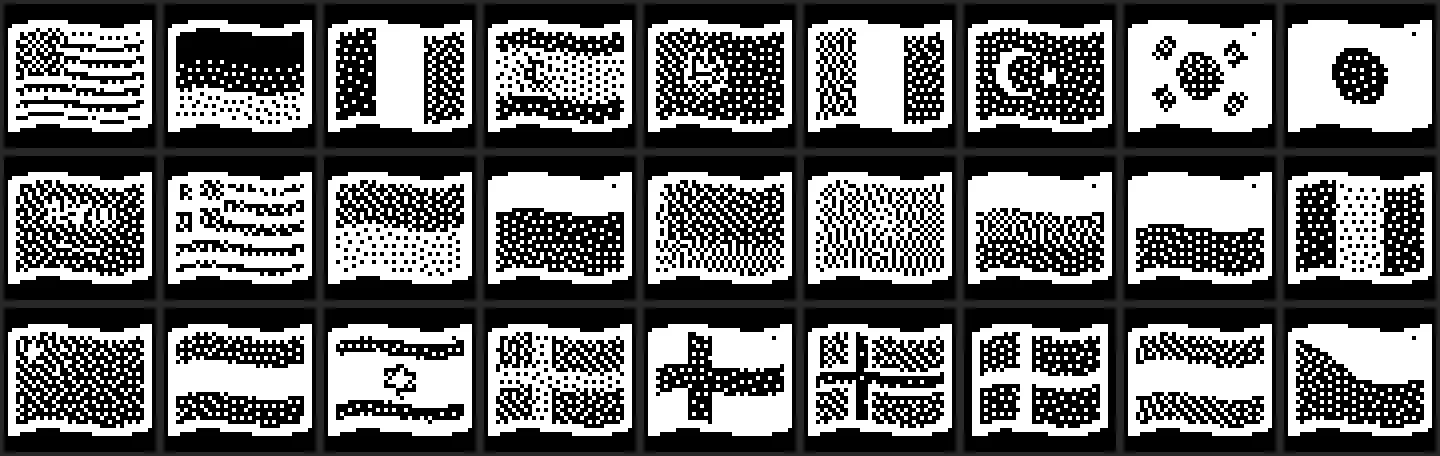
PolyKybd can draw an enormous range of glyphs on its keycaps — Latin, and also symbols, CJK, emoji, country flags and the glyph scripts. That glyph set is far too big to compile into the firmware image, so it’s split in two.
Resident fonts vs the font pack
Section titled “Resident fonts vs the font pack”- Resident fonts are compiled into the firmware. They cover ASCII text and the essential interface symbols, so the keyboard always renders basic legends even with no font pack flashed. In the emoji picker, a key whose glyph is only in the pack then shows Glyph missing!.
- The font pack lives in the keyboard’s external QSPI flash (the 4–6 MB resource region) and holds everything else. It’s flashed separately from the firmware and survives a firmware update.
The pack is not one single file. It is a set of independently-versioned bundles
(symbols, Middle-Eastern, syllabic, Asian, flags, emoji, the fantasy script bundle, and
latinbig, which carries the bigger faces for the legend size).
Flashed automatically on connect
Section titled “Flashed automatically on connect”You normally never manage the pack by hand. When PolyKybdHost connects, the keyboard reports the version of each bundle it holds, and the host flashes only the bundles that are missing or out of date. That’s what the “Updating fonts — do not unplug” screen is: a font-pack bundle being written. The nine shipped bundles are about 743 KB together. With firmware 1.9.4 and host 1.17.29 or newer the bundle data goes over the keyboard’s fast link, which moves it in about a quarter of the time HID needs (about 11 KB/s over HID, so about a minute for all nine); each bundle’s slot erase adds time on both paths.
To manage the pack yourself instead, turn off Settings → Fontpack → Auto Flash
(fontpack_auto_flash). The host then flashes bundles only when you ask.
While a bundle is being written, the keycap legends do not change. Shift, Caps Lock and layer keys still type correctly but do not repaint the keycaps. The legends update as soon as the bundle is written.
Checking and updating it yourself
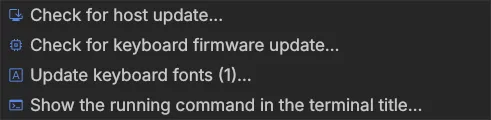
Section titled “Checking and updating it yourself”The tray’s Updates menu has a Keyboard fonts row that shows the status: it reads “Keyboard fonts: up to date” when nothing is stale, or “Update keyboard fonts (2)…” when something is — with the outdated bundles named in its tooltip. Clicking it flashes exactly those.
For troubleshooting you can also manage the pack from the CLI:
polyctl fontpack status # show device-vs-shipped versions per bundlepolyctl fontpack sync # flash every stale bundlepolyctl fontpack flash <id> # force-flash one bundlepolyctl fontpack wipe [id] # empty one bundle (or all)Wiping a bundle is harmless while Auto Flash is on: the host re-flashes it on the next connect. With it off, restore the bundle yourself with polyctl fontpack sync. The same
per-bundle view and a wipe are available in the tray under Developer → Font Pack
(see developer mode).