
Legend Size
Every keycap display draws one main legend — the character that key produces — and, where the layout has them, small previews of what you get with Shift and AltGr. The main legend can now be drawn at three sizes.
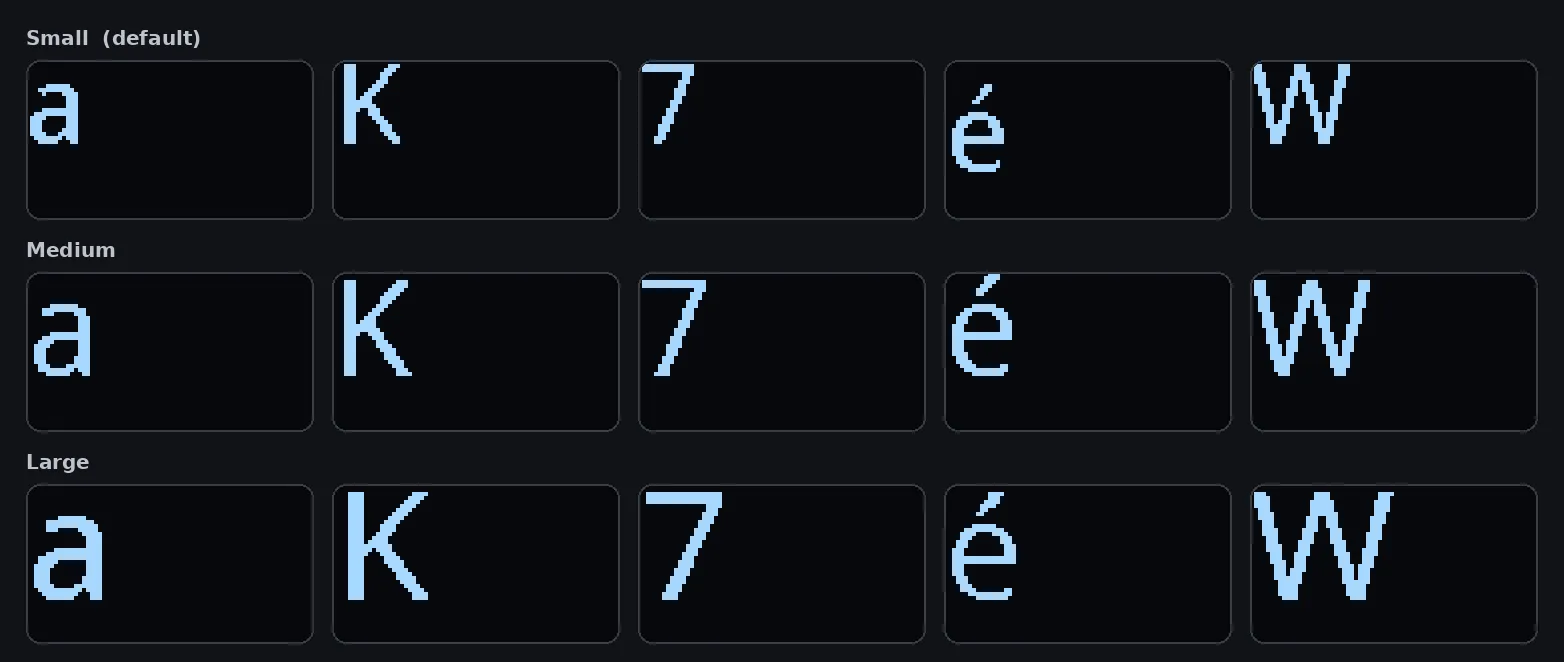
| Size | Cap height | Notes |
|---|---|---|
| Small | 20 px | The face PolyKybd has always used, and still the default. |
| Medium | 24 px | About a fifth larger. |
| Large | 27 px | As large as the 40 px-tall display allows. |
Only the main legend changes size. The Shift and AltGr previews stay small, and so does everything else the keycap draws — app overlays, shortcut hints, the language layer, layer badges.
The larger faces cover the Latin alphabet, Cyrillic and Greek — see Which letters get bigger for what that means on a layout written in another script.
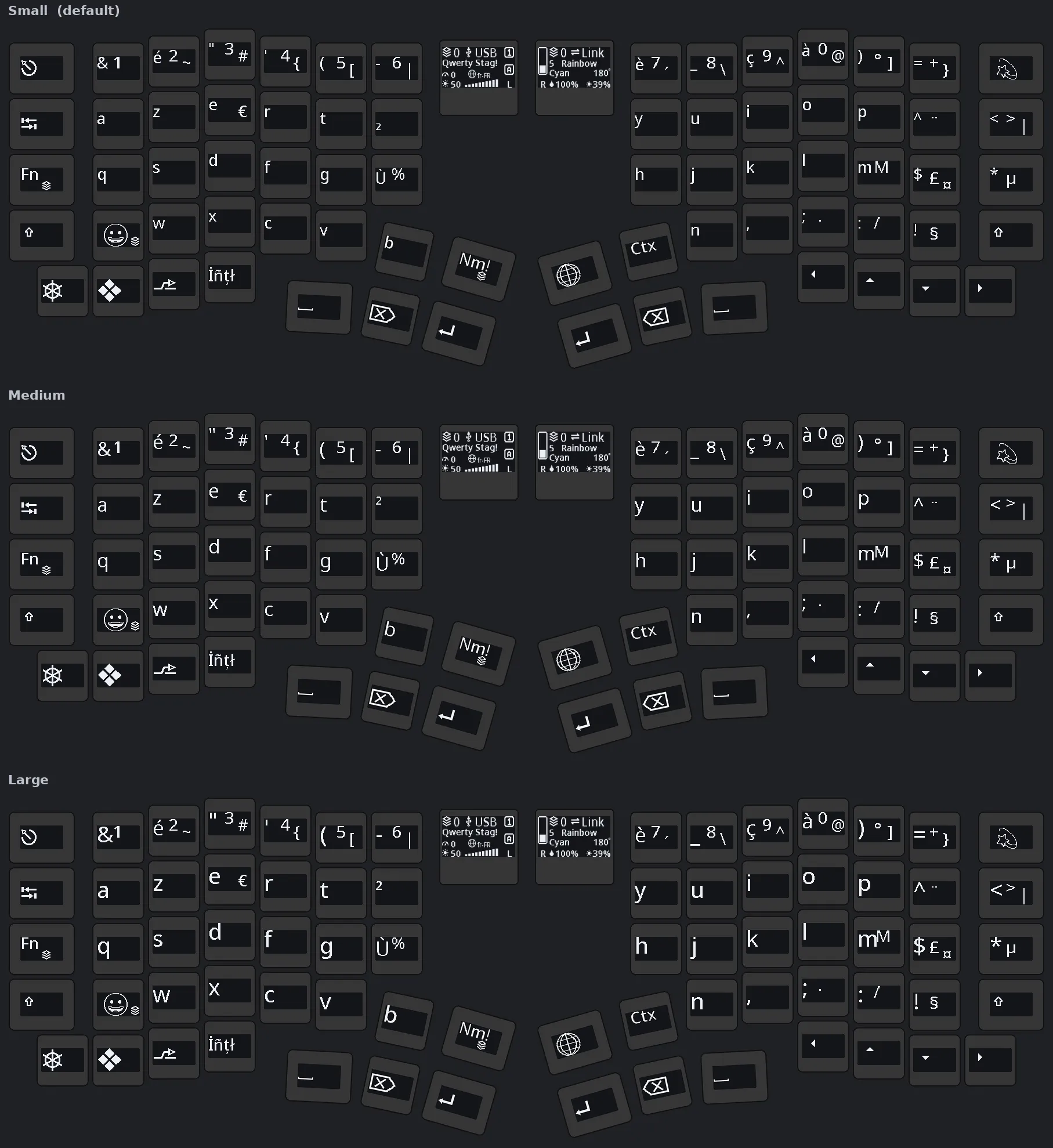
A split72 on the French (AZERTY) layout, at each size:
Changing the size
Section titled “Changing the size”-
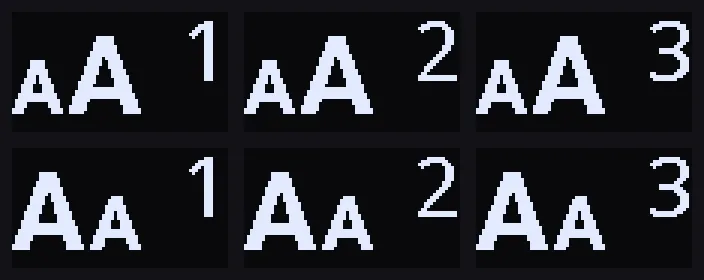
On the keyboard — one key on the utility layer, next to the other keys you use while working. It shows the standard bigger symbol rather than any text, so it looks the same in every language, and the digit in its corner is the size you are currently on. Each tap steps up a size and after Large it returns to Small; hold Shift and the symbol changes to the smaller one and the steps run the other way.
-
Tray menu — right-click the PolyKybdHost tray icon → Keycap Size → pick a size.
-
Command line —
polyctl glyph-size large(ormedium,small; omit the size to print the current one).
Your choice is saved on the keyboard and persists across reboots.
Which letters get bigger
Section titled “Which letters get bigger”The larger faces are Latin, Cyrillic and Greek: the plain letters and digits, the accented Latin letters, the currency symbols. Every layout written in one of those three scripts gets bigger completely — English, French, German, the Nordics, Czech, Polish, Russian, Ukrainian, Greek and the rest.
A legend outside those three keeps its normal size. Japanese, Korean, Chinese, Arabic, Hebrew, Devanagari, Thai, Armenian, Georgian, Ethiopic and Cherokee keycaps all draw exactly as they did before, whatever you select. No key goes blank and nothing is clipped — the key simply shows the largest face it has.
Adding more scripts is possible but not automatic — the display is 40 px tall and several scripts already fill most of it, so there is no room for larger letters. If the layout you use every day would benefit, say so on the issue tracker and each script can be checked one at a time.
Requirements
Section titled “Requirements”The larger faces are drawn from a latinbig font-pack bundle that PolyKybdHost flashes to
the keyboard automatically the first time it connects (see
Font Packs & Resources). Until that bundle is present the keyboard keeps
drawing at the normal size whatever you select, so nothing breaks if it hasn’t been flashed yet —
and the setting takes effect on its own once the bundle is written.