

Assembly Overview
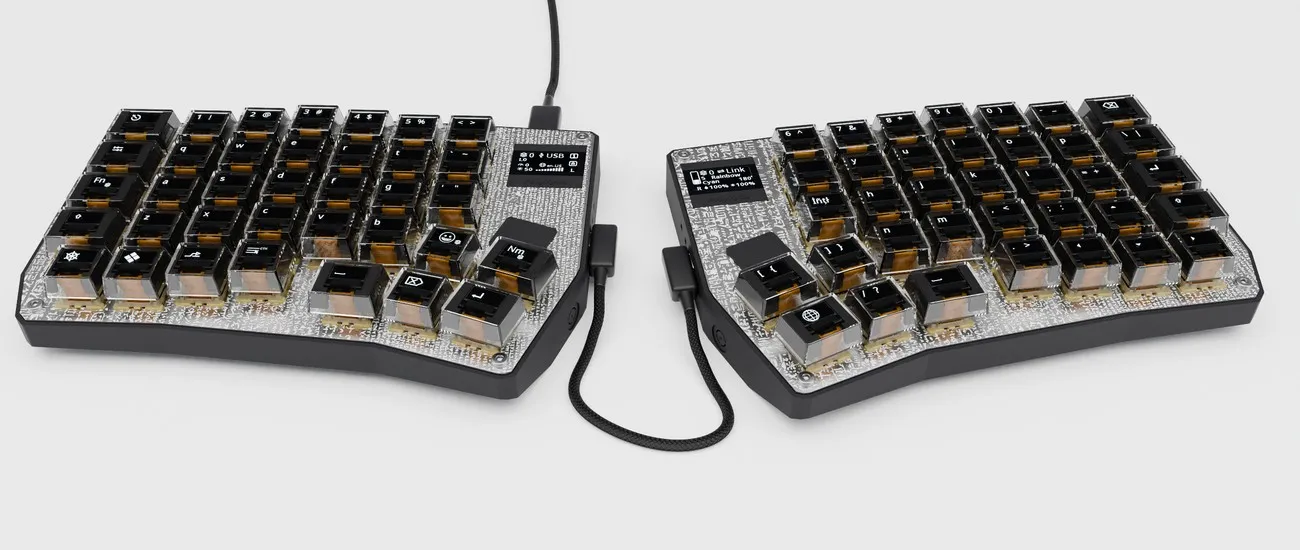
The PolyKybd Split72 can be assembled in a few different ways depending on how much of the build you want to do yourself.
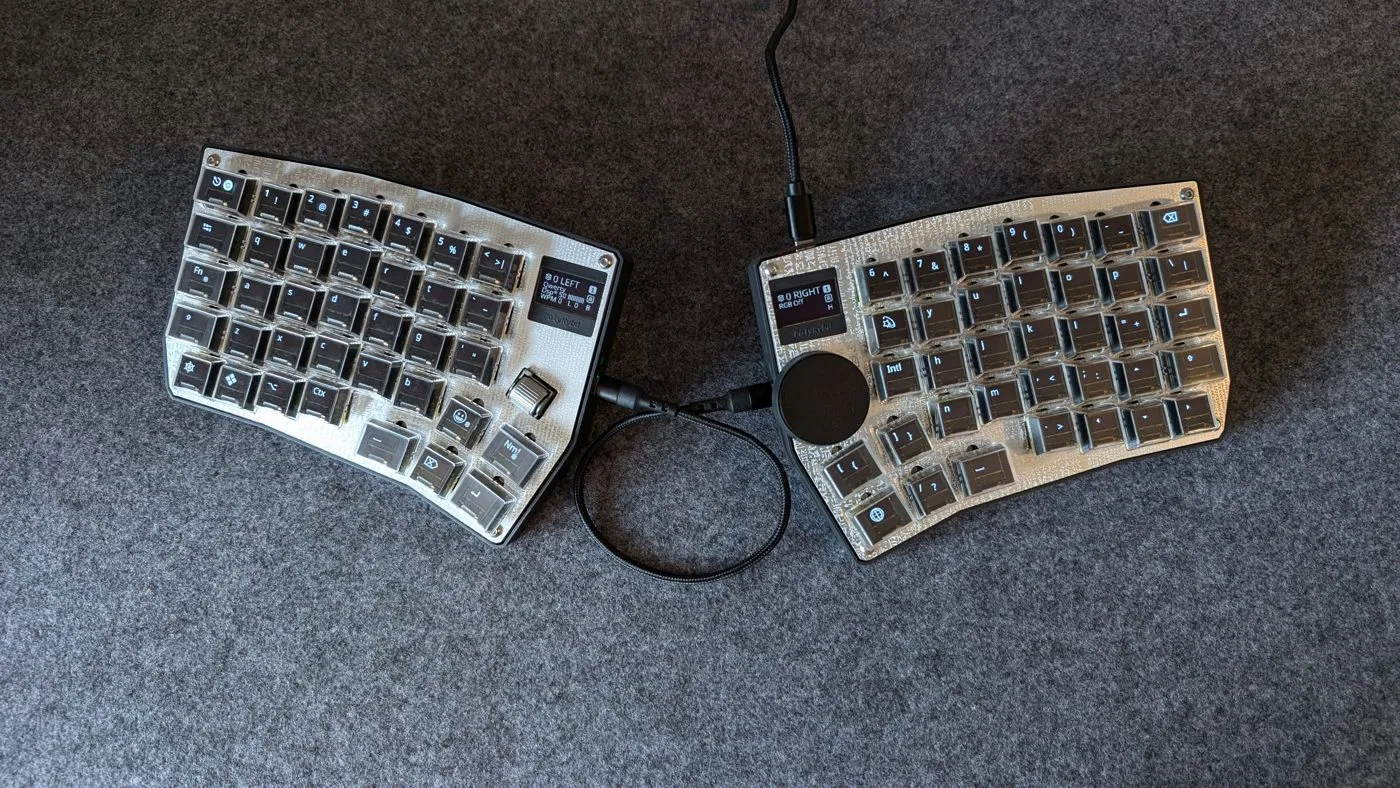
A finished pair — both halves joined by the link cable, the right one fitted with a trackball in its expansion slot:
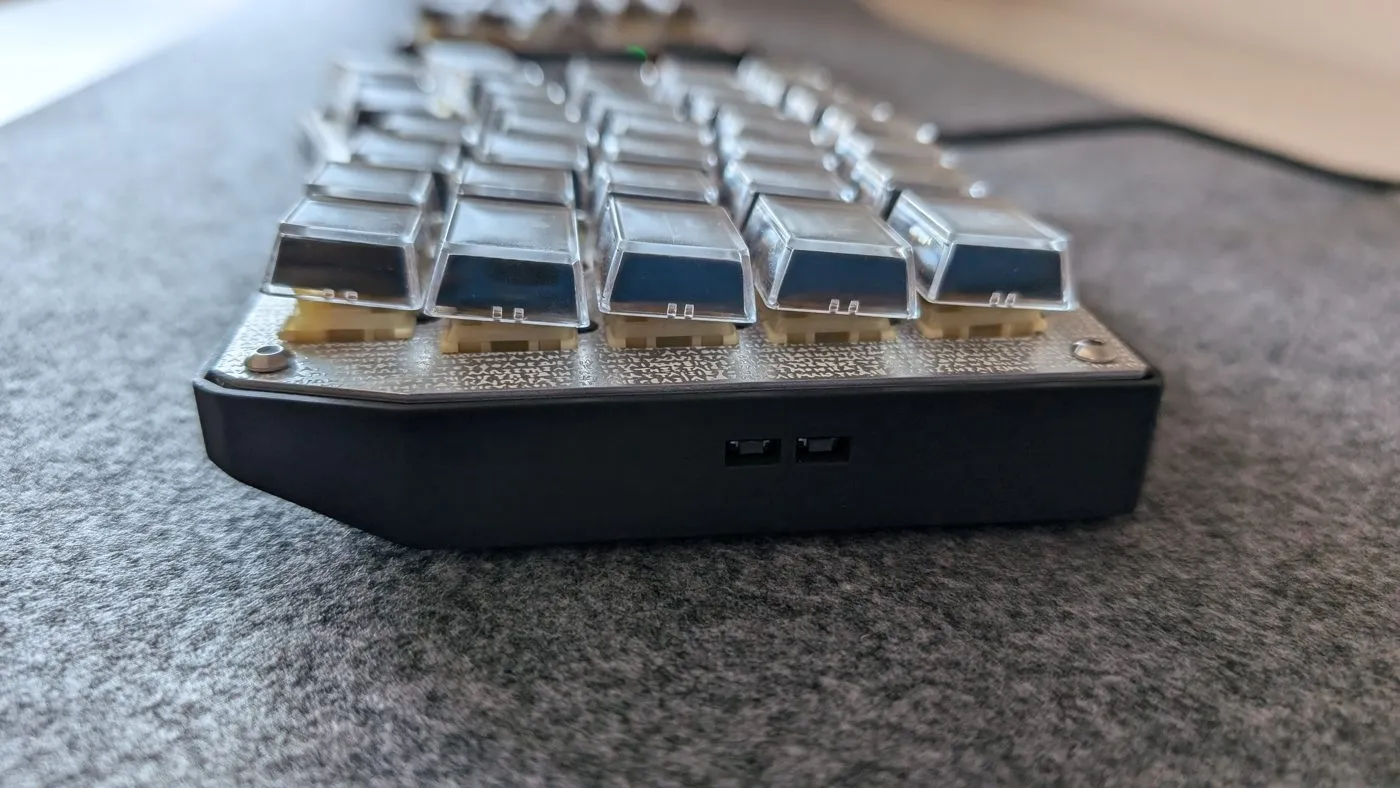
In profile, so you can judge the height the case and keycaps add:
Your options
Section titled “Your options”Kit (recommended for most people)
Section titled “Kit (recommended for most people)”A kit containing all parts and pre-assembled PCBs is planned via CrowdSupply. Sign up to be notified when it becomes available:
crowdsupply.com/polykybd/polykybd
The kit includes the PCBs with all SMD components already soldered, so you only need to assemble the mechanical parts.
Partial DIY
Section titled “Partial DIY”Order PCBs assembled from a PCB manufacturer (JLCPCB, PCBWay, etc.) using the gerber files and BOM in the repo, then 3D print the case and stems yourself.
Full scratch build
Section titled “Full scratch build”Build absolutely everything from source — order bare PCBs, source all components individually, print all parts. This is for experienced builders who want full control.
Build video
Section titled “Build video”A full build video is available on YouTube:
What you will need
Section titled “What you will need”Before starting, gather all required parts. See the full Parts List for details.
At a high level you need:
- Left and right PCBs (assembled)
- Left and right aluminum plates (1.2mm)
- Left and right 3D-printed cases
- 72× key switches (MX-compatible)
- 72× custom 3D-printed key stems (three profiles to choose from)
- 72× 0.42” OLED displays with FPC cables
- 72× transparent relegendable keycap covers
- 2× (optional) 0.96” status displays
- USB-C cables (one short for between halves, one for the computer)
- 8× M3×10 hex screws and M3 hex nuts
Next steps
Section titled “Next steps”- Read the full Parts List
- Order your PCBs or wait for the kit
- Print or order your Case & Spacer
- Prepare your Displays
- Choose Compatible Switches
- Follow the Step-by-Step Build Guide