
Keycap Stems
Every PolyKybd key needs a 3D-printed stem that carries its display and clicks into a transparent relegendable keycap cover. A full Split72 build takes 72 stems — 58× 1U and 14× 1.25U.
Choosing a profile
Section titled “Choosing a profile”The stems come in three profiles. They are interchangeable — the keyboard, plate and PCB are identical either way — so this is purely about how the keys feel under your fingers.
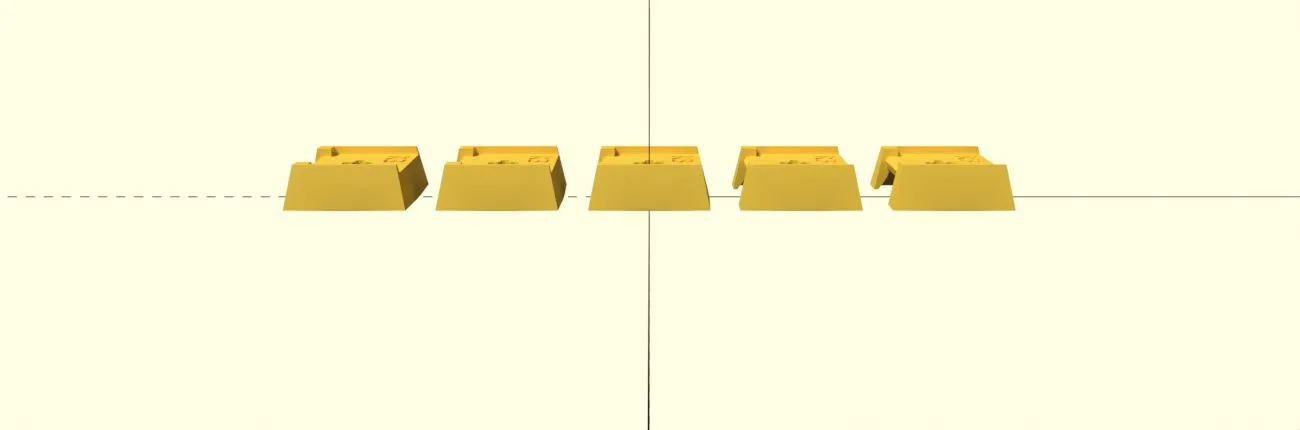
Every row identical: the R3 plates, 58× 1U and 14× 1.25U. The simplest to print and the
simplest to source, since there is only one plate design per width.
Stepped
Section titled “Stepped”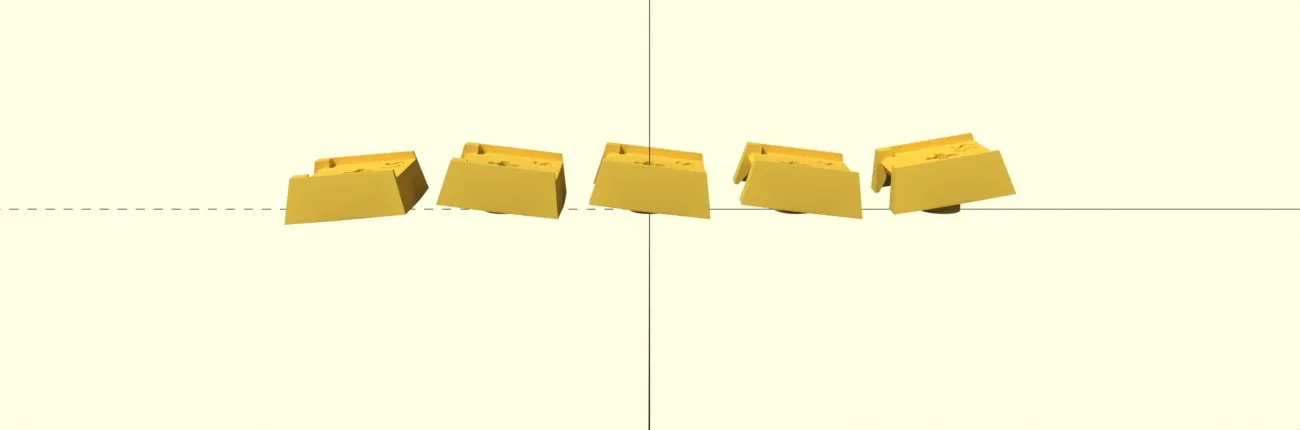
Rows are tilted rather than curved. Works best if the keyboard itself is inclined by 5 degrees or more — see tenting legs. There are two variations:
Sculpted (pictured above) — S1 on the front row, S5 on the back row, S on the three
rows between:
| Plate | 1.25U | 1U |
|---|---|---|
S1 (front row) |
4 | 10 |
S (middle three rows) |
8 | 36 |
S5 (back row) |
2 | 12 |
Uniform — the S plates everywhere, 58× 1U and 14× 1.25U:
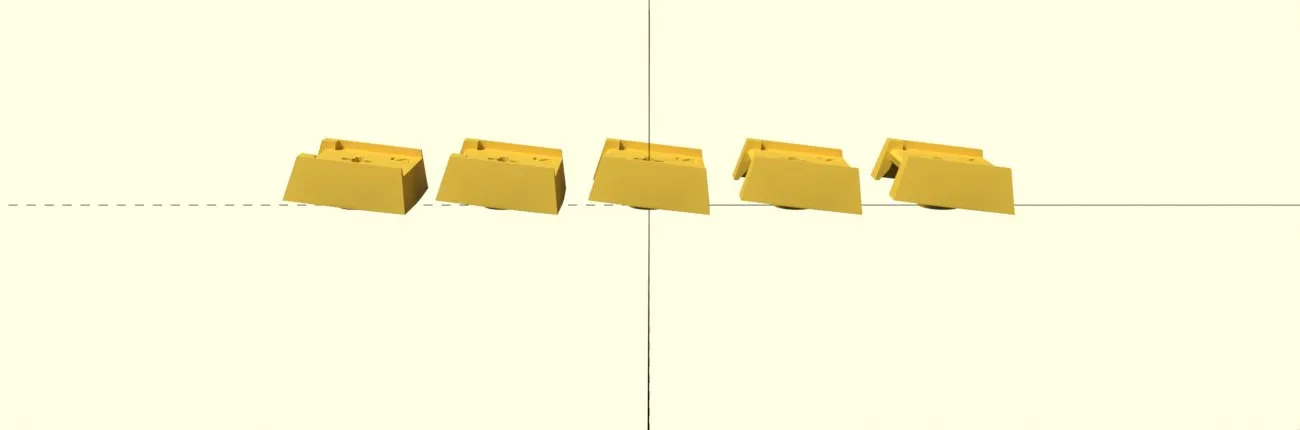
A flatter feel, and like the flat profile it is a single plate design per width.
Curved
Section titled “Curved”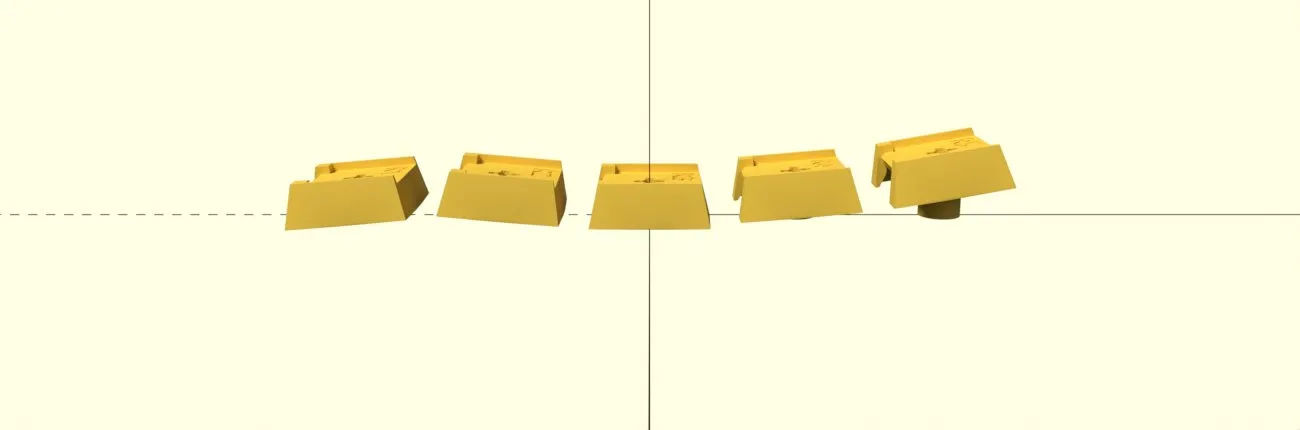
A different stem per row, R1 at the front through R5 at the back, so the rows follow a
curve the way a sculpted keycap set does:
| Plate | 1.25U | 1U |
|---|---|---|
R1 (front row) |
4 | 10 |
R2 |
4 | 12 |
R3 |
2 | 12 |
R4 |
2 | 12 |
R5 (back row) |
2 | 12 |
Which files to print
Section titled “Which files to print”The plates are in
parts/export/keycap_stem/
in the hardware repo, named:
keycap_stem_revAlpha_<width>_<profile>_10p.stlwhere width is 1U or 1U25 and profile is one of R1–R5, S1, S, S5. Each plate
holds ten pieces, so divide a count from the tables above by ten and round up to know how
many copies of that plate to print — e.g. curved needs one ..._1U25_R1_10p.stl plate (4 of its
10 pieces) and one ..._1U_R1_10p.stl plate.
Making your own profile
Section titled “Making your own profile”The stems are generated from OpenSCAD, not hand-modelled. The shape is defined in one shared library,
parts/keycap_stem/keycap_stem.scad,
and each plate is a small file in parts/keycap_stem/variants/ that sets the two parameters that
define a profile — the tilt angle and the extra_len that lifts the row:
include <../keycap_stem.scad>ten_connected_pieces_1U(angle = 10, extra_len = 4, txt = str("5 ", revision));So a new profile is a new file in that directory. Then:
parts/keycap_stem/build_stems.sh # export every variantparts/keycap_stem/build_stems.sh 1U_R2 # or just the ones matchingThe script processes every file in the variants directory and needs no editing.
parts/README.md covers the
rest, including the Noto font the engraved revision needs.