

Idle & Burn-in Protection
OLED pixels that show the same legend for hours can burn in. To prevent that, PolyKybd moves through a few states while you are not typing and wakes immediately when you press a key. On a split72 the default is Eden, a screensaver that streams comets across all keycaps. The split42 pulses its legends instead.
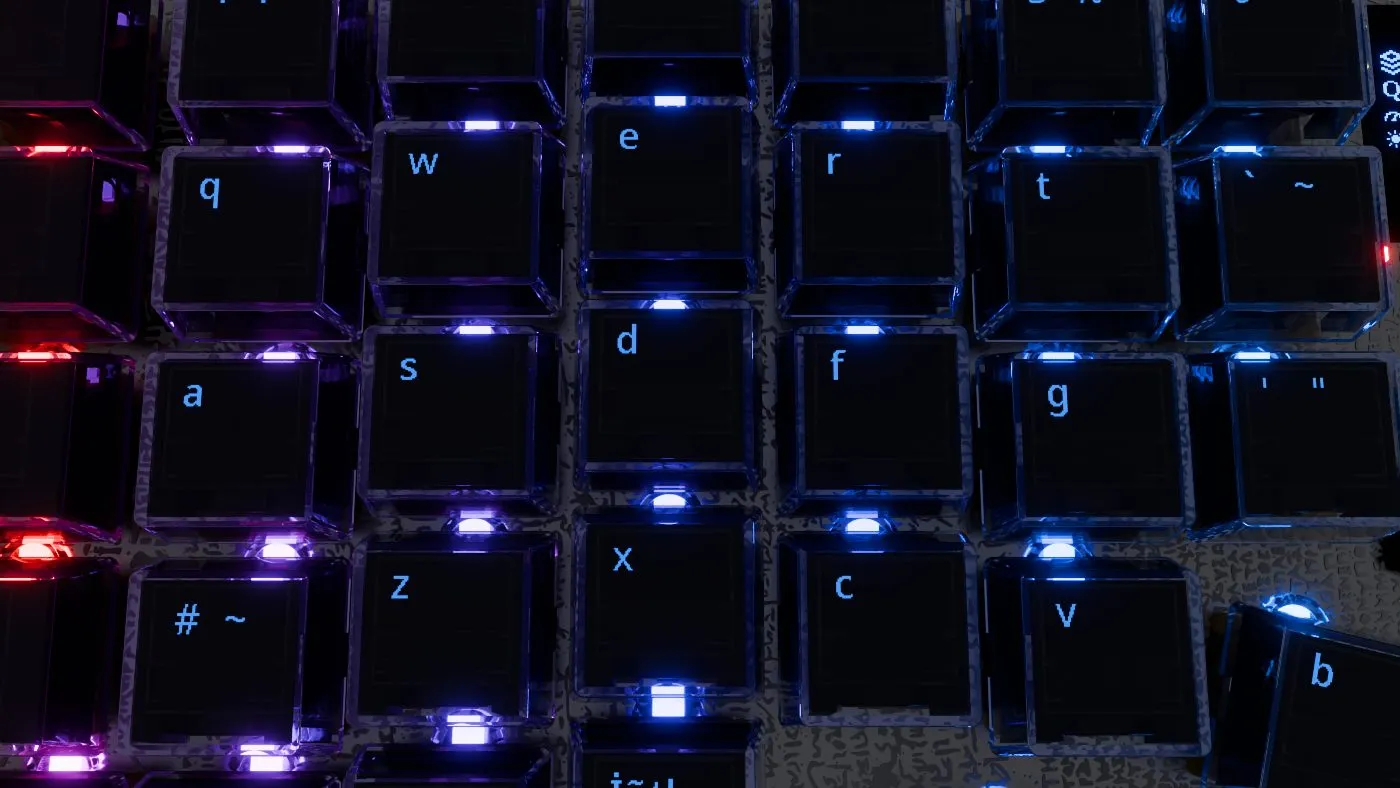
The idle sequence
Section titled “The idle sequence”- Awake — normal, full-brightness legends.
- Fade — after the idle timeout (2 minutes unless you change it) the keycaps dim over about 10 seconds.
- Idle — the idle style starts. On a split72 that is the Eden screensaver by default, at a low, steady brightness. On a split42 it is Pulse.
- Off — after 20 minutes without a key press the keycaps switch off entirely.
Any key press wakes them — and if the optional light sensor is fitted, so does reaching toward the board.
The key you press to wake the board also types, as usual. To have it only wake the keycaps once
they have switched off, turn on the Wake key under More… on the
settings layer. Its switch shows on the keycap, and it is off by default.
How long before it idles
Section titled “How long before it idles”How long the keyboard waits before it starts fading is a setting on the board — one of six fixed choices: 15 sec · 30 sec · 45 sec · 1 min · 2 min · 5 min.
2 minutes is the default.
Set it in any of three places:
- On the keyboard — a key on the settings layer, under More… (see
the settings layer), next to the idle-style key. It shows a small
clock face over the current value, so
2minon the keycap is the setting. - Tray menu — right-click the PolyKybdHost tray icon → Idle Display → Idle After.
- Command line —
polyctl idle-timeout 30sec(or15sec,45sec,1min,2min,5min; with no argument it prints the current one).
Like the style, your choice is saved on the keyboard and is kept after a reboot and a reconnect.
Idle styles
Section titled “Idle styles”| Style | What it does |
|---|---|
| Eden | A full-screen screensaver: a procedural “comet field” streams across all keycaps, with the key legend drifting over it as a dim overlay. Decorative, and the legend is harder to read at a glance, but the moving pixels give the strongest burn-in protection. The default on the split72. |
| Pulse | Each key slowly fades its brightness up and down, out of phase with its neighbours. The lit pixels don’t move — simple, and the legend stays easy to read at a glance. The default on the split42. |
| Jitter | Keeps the fading, but each key also moves its legend to a new random position whenever its own pulse dims it to black. The lit pixels move per key, so no pixel stays lit in one place. |
| IDDQD | An arcade-style demo screensaver that plays across the keycaps at your normal brightness until the displays switch off. A keyboard that cannot play it falls back to Pulse. |
Holding Hyper for a second during Pulse, Jitter or Eden starts Mines, a mine sweeper on the keycaps, instead of waking the keyboard.
Choosing a style
Section titled “Choosing a style”- On the keyboard — a key on the settings layer, under More… (see
the settings layer). It names the active style rather than
its own function —
IDLE:on the first line, the current style on the second — so the keycap shows the current setting without being pressed. Each tap moves to the next style, in the order Pulse, Jitter, Eden. It skips IDDQD. - Tray menu — right-click the PolyKybdHost tray icon → Idle Display → Pulse (legacy), Jitter (move legend), IDDQD (attract demo) or Eden.
- Command line —
polyctl idle-style eden(orpulse,jitter,iddqd).
Your choice is saved on the keyboard and persists across reboots.